Data cable or charge-only cable: how to tell
Why it matters
CarPlay and Android Auto send the phone’s screen to the car through the cable. A cable that only carries power cannot do that. The phone charges, and nothing else happens.
You cannot tell by looking
A charge-only cable and a data cable can look exactly the same. The plugs are the same shape. The symbol printed on the plug does not tell you either.
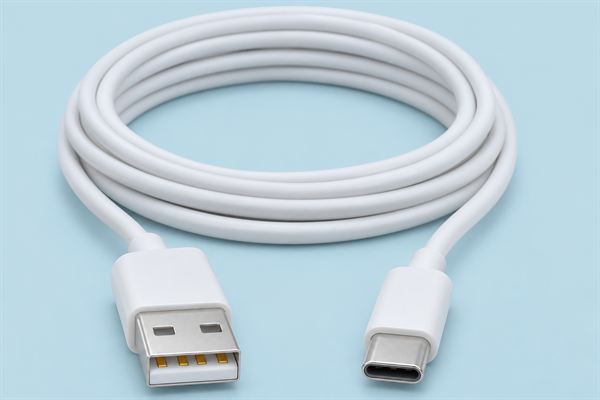
Four ways to find out
- Read the pack or the listing. Look for the words “data”, “sync” or “data transfer”. “Fast charging” alone is not enough.
- Try the cable that came with your phone. Those cables normally carry data.
- Test it on a computer. Plug the phone into a computer with the cable. If the computer sees the phone, the cable carries data.
- Keep it short. Use a cable of about 3 feet (1 metre). Long cables and extension cables cause dropped connections.
If you are buying a new one
Choose a cable from a known brand that says it carries data. Make sure both ends match: one for the socket in your car, one for your phone.
Not sure which ends you need?
Tell us your car and phone. The check is free.
Free. No password: you sign in with an email code.