Android Auto with a cable: what the phone needs
The phone
- Android 11 or later.
- An active data plan.
- Nothing to install. Android Auto is built into the phone.
The cable
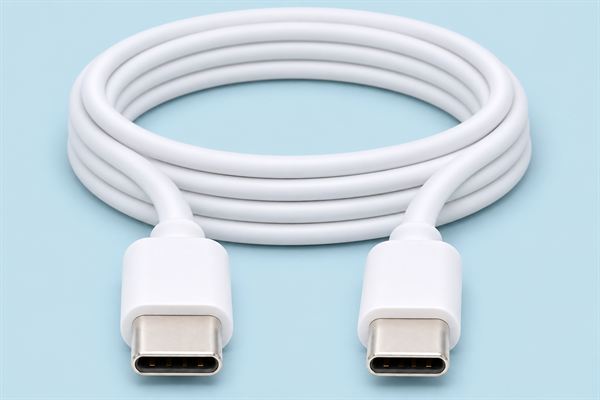
- It must carry data, not only power.
- Keep it to 3 feet (1 metre) or shorter.
- Do not use a USB hub or an extension cable.
- The cable that came with the phone is a good first try.
The car
The car must have Android Auto, and you must use the socket that is connected to the screen. Other sockets may only charge.
To connect
- Park the car and turn on its screen.
- Unlock the phone.
- Plug the cable into the car, then into the phone.
- Follow the instructions on the phone and on the car’s screen.
If it does not start
Make sure that Android Auto is turned on in the car’s settings. Try another data cable. Restart the phone and the car’s screen.
Which socket and which cable for your car?
Tell us your car and phone. The check is free.
Free. No password: you sign in with an email code.