CarPlay and Android Auto cable for the Infiniti QX55
CarPlay does not start? Look at the cable first.
Many USB cables only charge. They look the same as cables that carry data. With a charge-only cable the phone charges, but CarPlay never opens on the screen.
Three things have to match
- The cable must carry data, not only power.
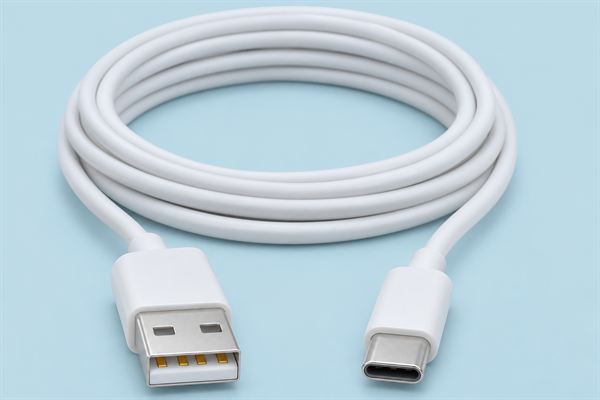
- One end must fit the socket in your QX55. Cars use a wide rectangular socket (USB-A) or a small oval socket (USB-C).
- The other end must fit your phone. iPhone 15 and newer use USB-C. iPhone 14 and older use Lightning. Current Android phones use USB-C.
Not every socket in the car runs CarPlay
Many cars have more than one USB socket. Often only one of them is connected to the screen. The others only charge. If you plug into a socket that only charges, CarPlay does not start, even with the right cable.
QX55 years we cover
- Apple CarPlay with a cable: 2022 to 2025, for iPhone 13 and newer.
- Android Auto with a cable: 2022 to 2025.
The right cable and the right socket depend on the year, and sometimes on the trim.
Get the answer for your QX55
The check is free. You pay $2 only if we have an answer for your exact car and phone. The answer shows the cable to buy, the socket to use, and the steps to connect.
Free. No password: you sign in with an email code.